Custom Store Theming Is Here
By Carrot
Wednesday, December 17, 2025
Your brand, your way. Customize every color in your store and add custom fonts to create a shopping experience that's unmistakably yours. Because your digital presence should be as unique as your physical store.
What's New
Complete Color Control
We've given you granular control over every visual element in your store. Whether you're matching existing brand guidelines or creating a completely fresh look, you can now customize the colors for every component of your customer's shopping experience.
Light Mode or Dark Mode
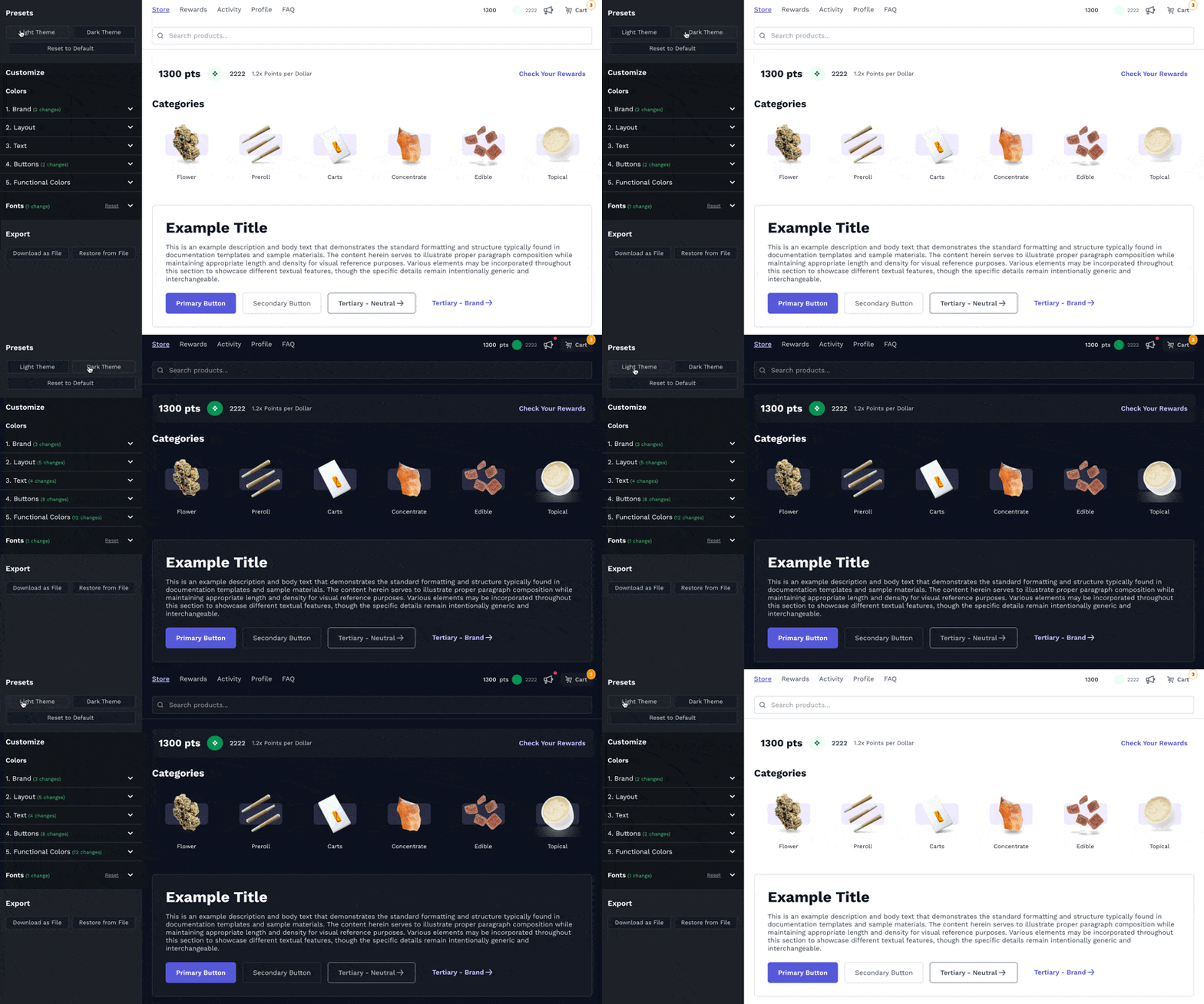
Choose your starting foundation: Light mode for a bright, clean aesthetic or dark mode for a sleek, modern look. Both are professionally designed presets that you can use exactly as-is, customize to match your brand, or use as a starting point to build something completely unique. Every color is adjustable, so you're never locked into a preset.
Custom Fonts
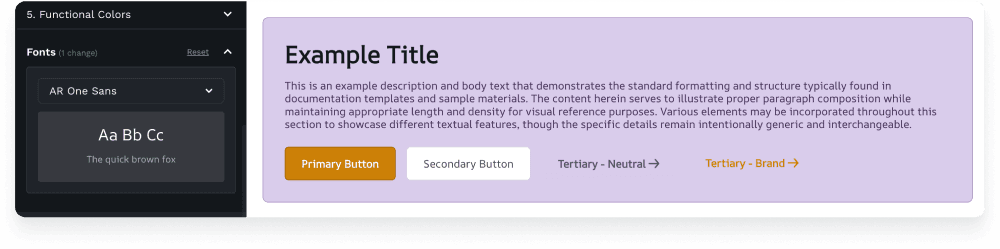
Upload and apply your brand's font throughout your store. Your custom font will display consistently across all pages and devices, creating a seamless brand experience from your physical location to your digital storefront.
Brand Colors
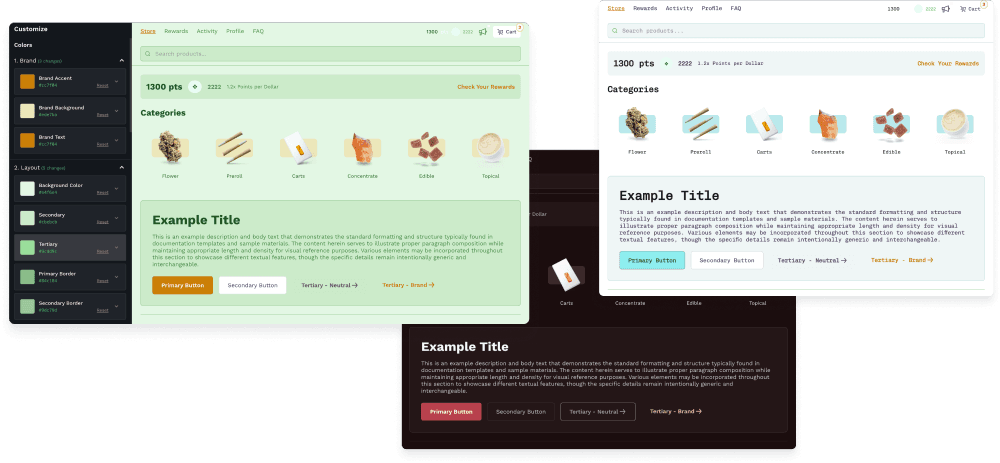
Set your core brand identity with customizable text, foreground, and background colors that appear throughout your store.
Layout Elements
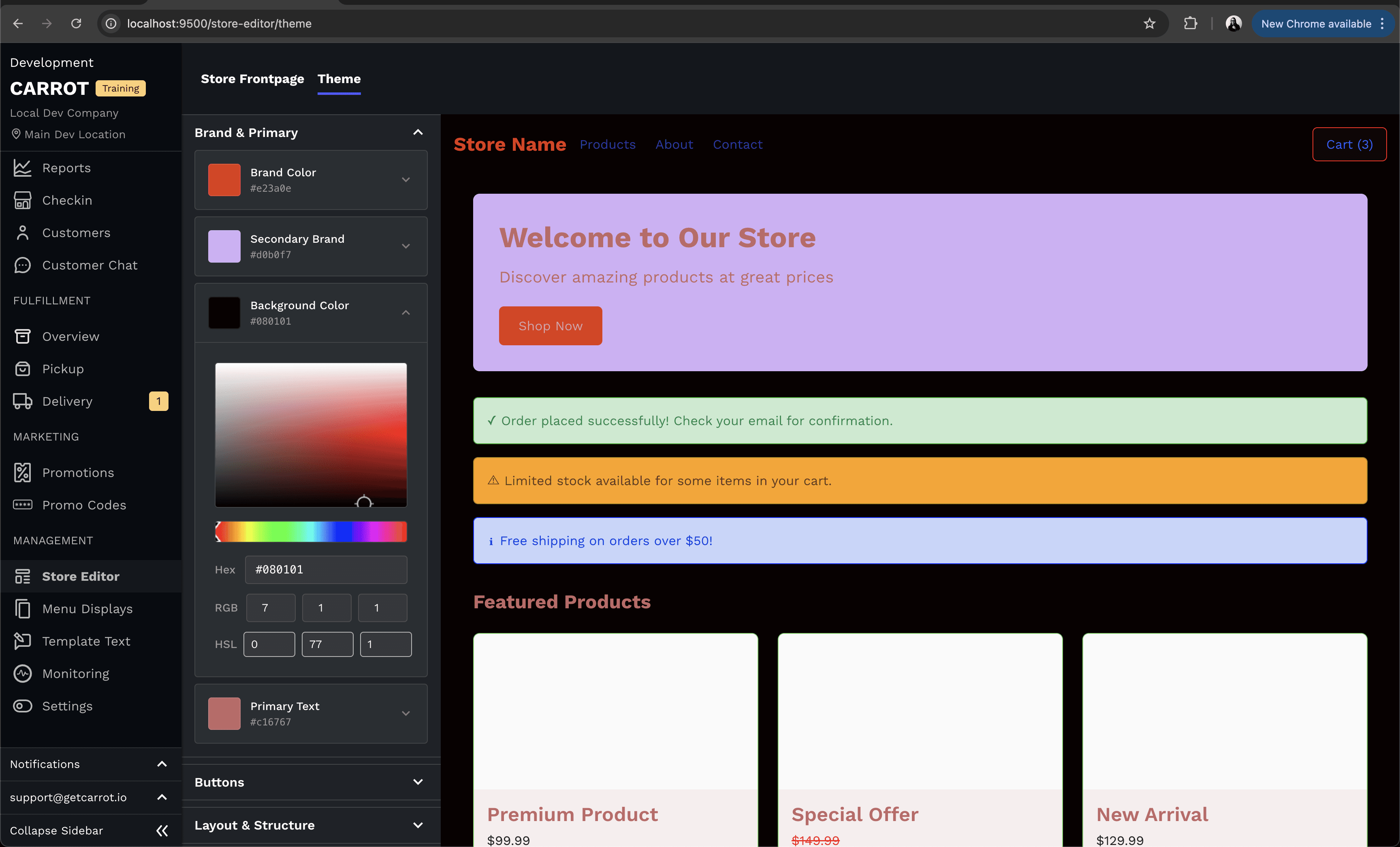
Control the foundation of your store's appearance with customizable background colors, secondary and tertiary accent colors, and border styles that define how different sections of your store are separated and organized.
Text Hierarchy

Different types of content need different emphasis. Customize your primary text for body content, secondary text for supporting information, tertiary text for less critical details, brand text for special callouts, priority text for important announcements, and error text for validation messages.
Button Styling

Buttons drive action in your store. Customize primary, secondary, and tertiary button styles, including their background colors, hover states, text colors, and borders. This ensures your calls-to-action match your brand while remaining clear and clickable.
Functional Colors
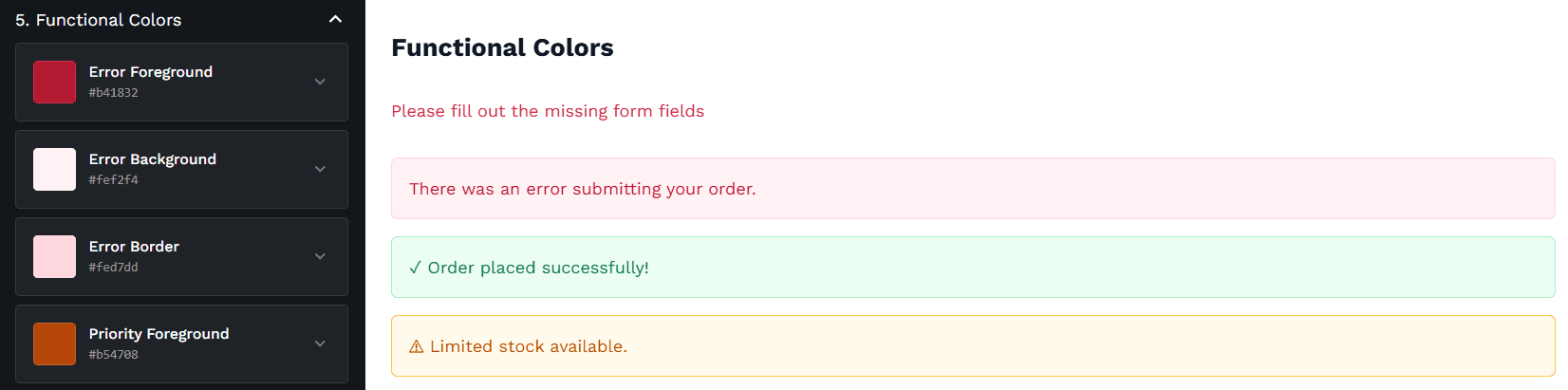
Help customers navigate their shopping experience by customizing the colors for system messages. Set distinct foreground, background, and border colors for validation issues, important notices, helpful information, and completed actions.
Important: Accessibility Compliance
With great power comes great responsibility. Custom Store Theming gives you complete control over your store's appearance, but you are solely responsible for ensuring your color and font choices maintain ADA compliance.
What This Means for Your Business
A cohesive brand experience builds trust and recognition. When customers move from your physical location to your online store, they should immediately recognize your brand. Custom theming ensures every digital touchpoint reflects your unique identity, strengthening customer loyalty and setting you apart from competitors.
Questions about Custom Store Theming? Reach out to support@getcarrot.io.